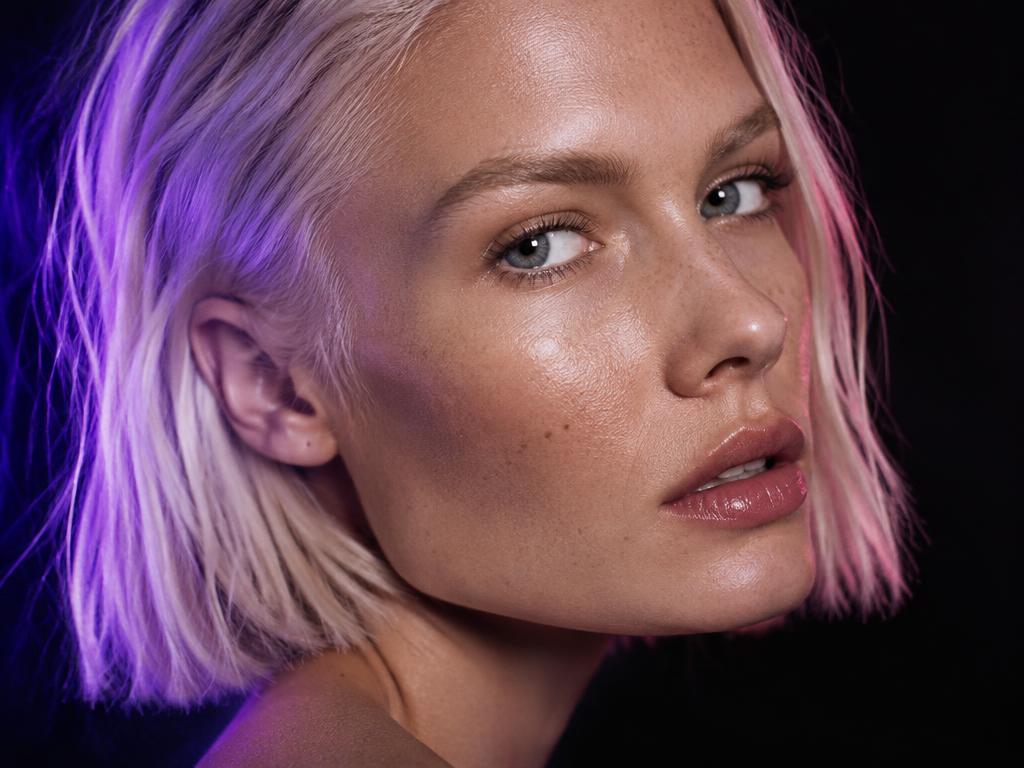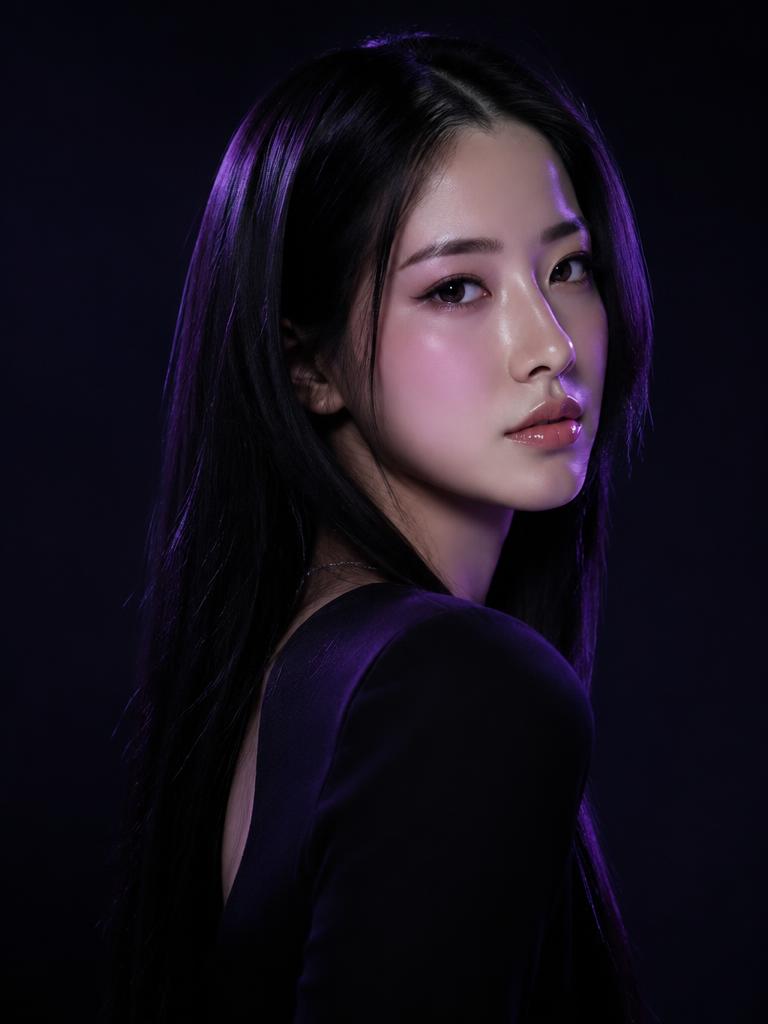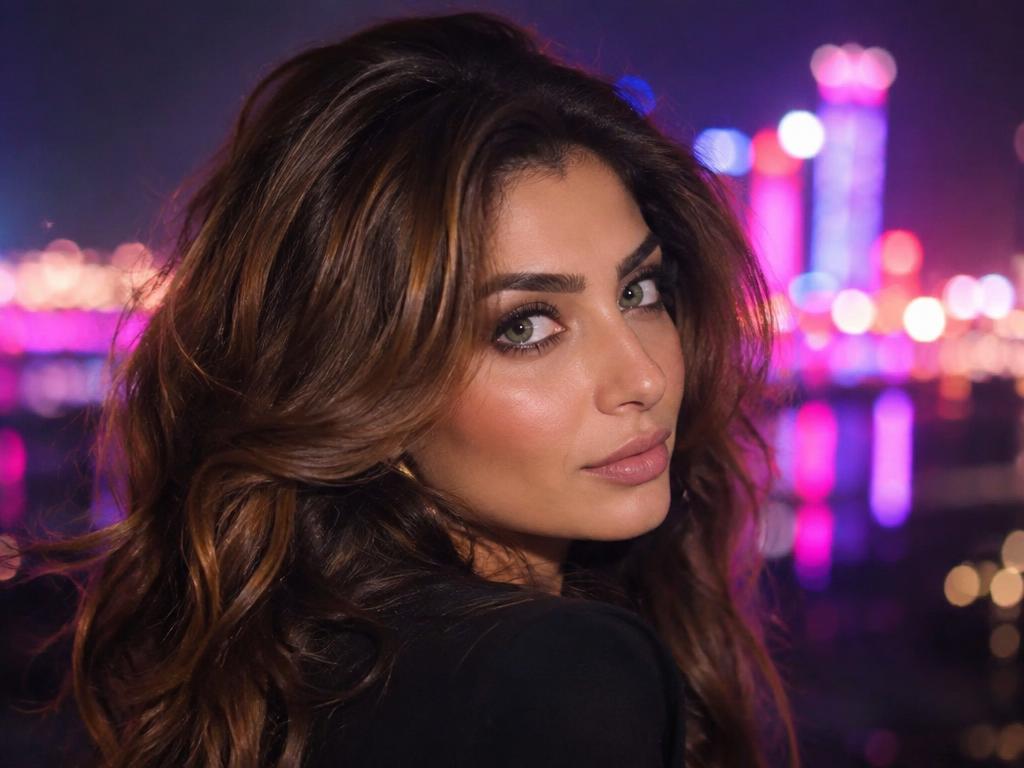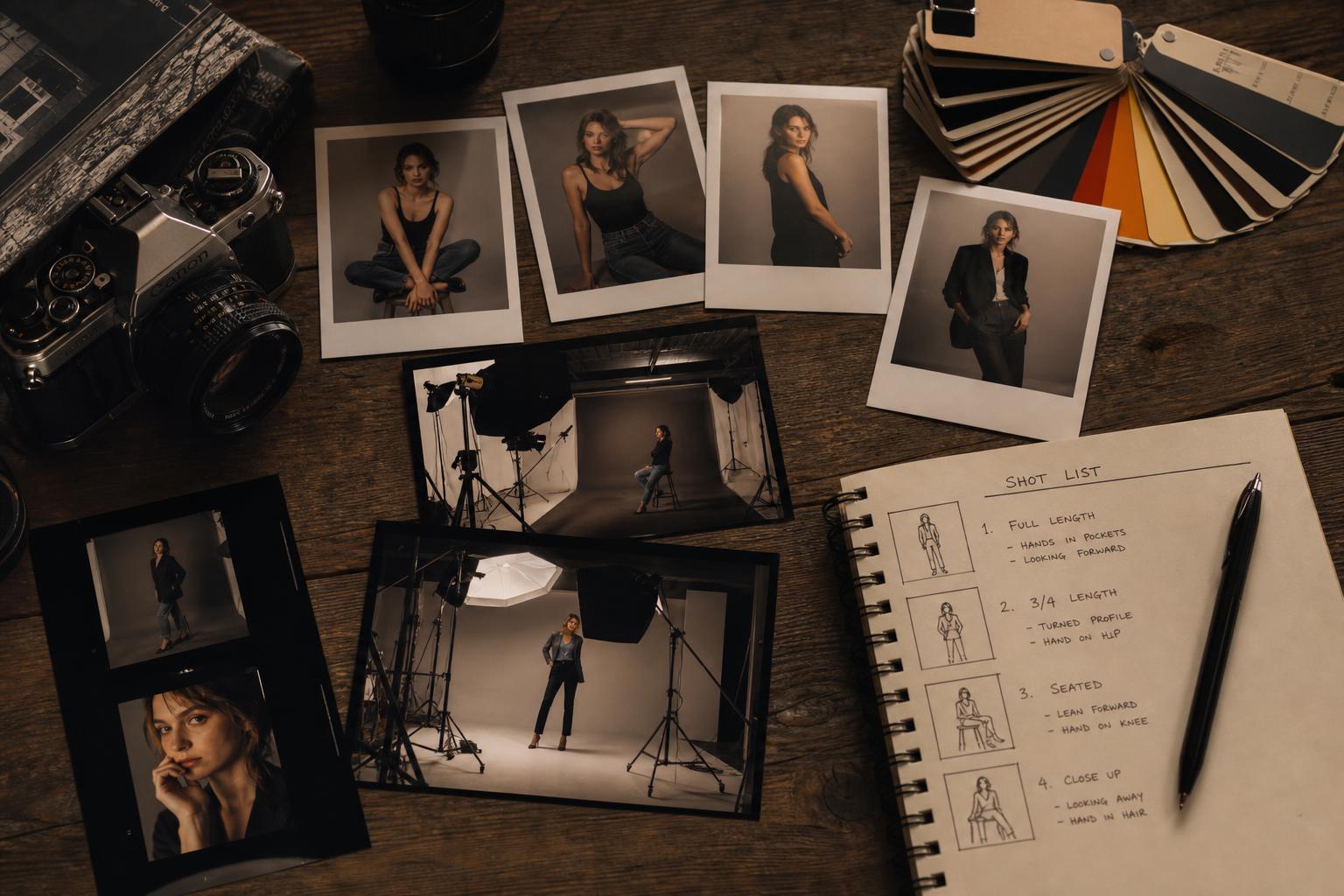

Find out how it works and what it can do

Explore the interface and design your ideal model in seconds. Unleash your creativity and let the technology work its magic.
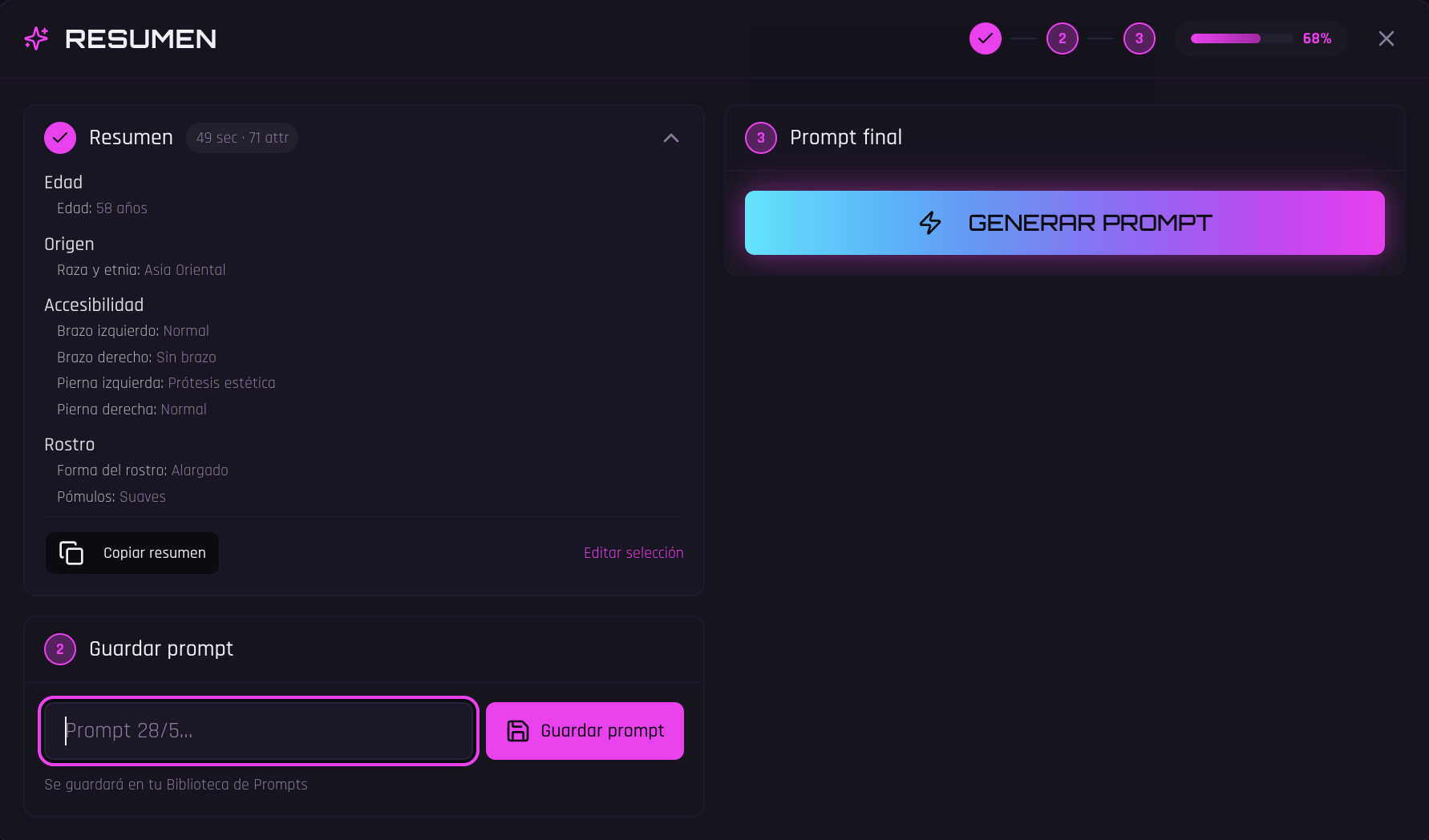
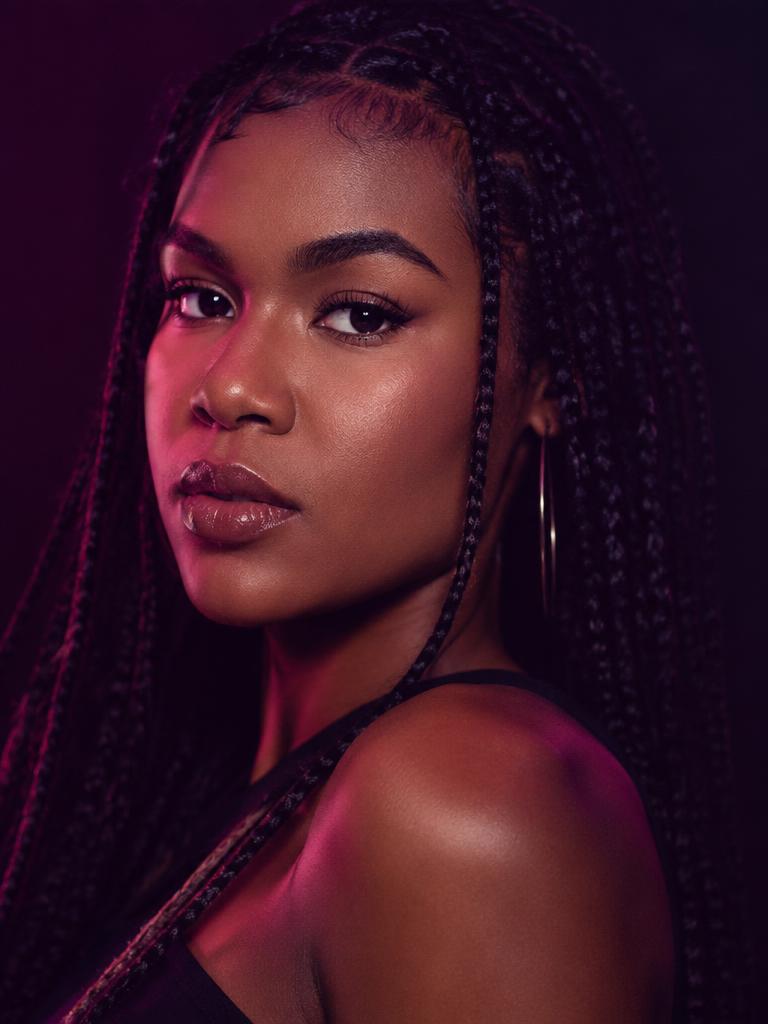
Renderface Prompt Builder Overview
Model — Hair module
Model — Skin module
Model — Expression module
Model — Setting module

Master the suite with 14 specialized modules

All the modules you need to turn an initial idea into a precise, coherent, and professional visual prompt. Explore every creative dimension with the control you need to create striking images that align with your vision and style.

0 / 14
Identity and Characteristics
Module 0
0

Identity and Characteristics

Generate the structural foundation of your model.
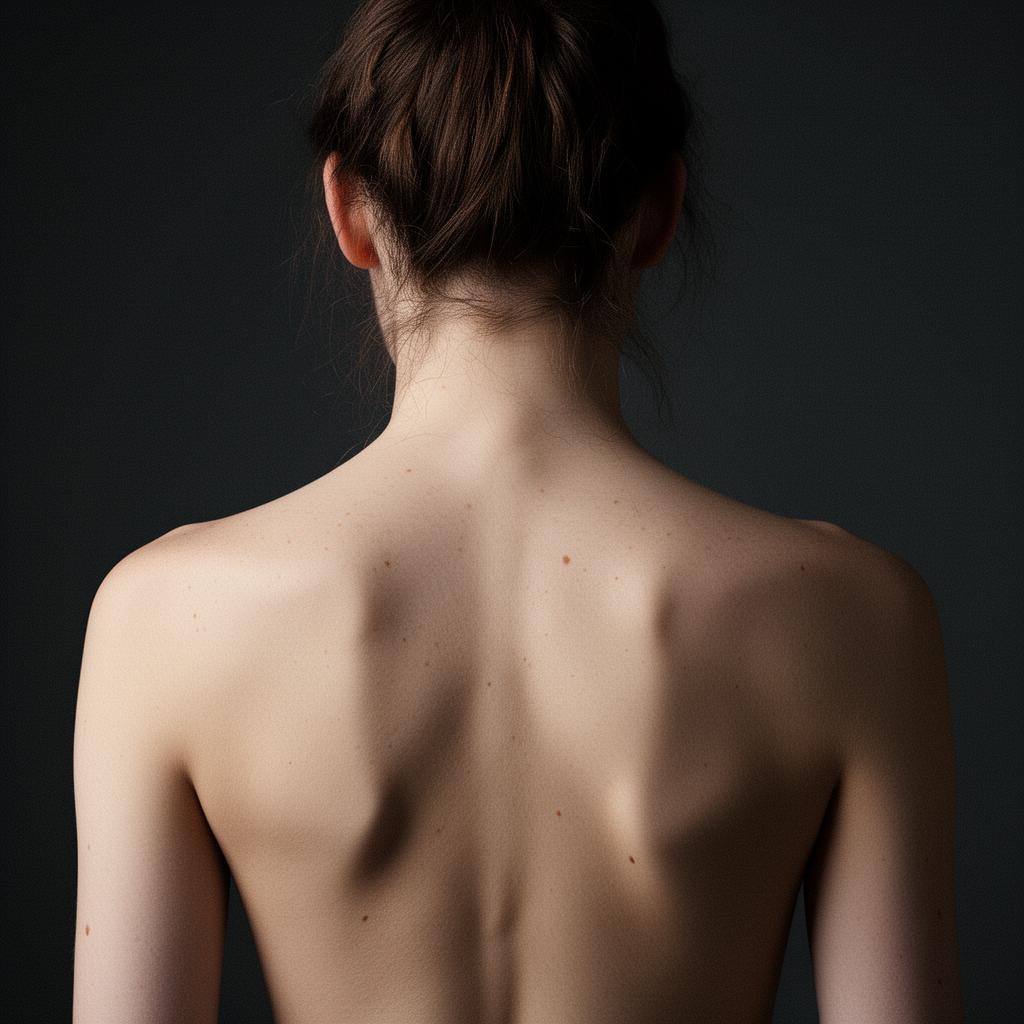
AgeOriginFeatures
Set the parameters for age, background, and distinguishing features to create a unique identity that cannot be replicated.
Physical Appearance
Module 1
1

Physical Appearance

It delivers millimeter-level precision.

SkinAnatomyRealism
It accurately renders the finest details of the face, skin textures, the eyes, and human anatomy, taking them to the highest level of photographic realism.
Clothing
Module 2
2

Clothing

From understated luxury to the most viral streetwear.

FashionOutfitTrend
Choose the perfect outfit. Mix and match an endless variety of pieces—from casual streetwear to classic lingerie, athletic wear, or dresses—to define your own style.
Emotion and Expressiveness
Module 3
3

Emotion and Expressiveness

Control the psychology of the scene.

ExcitementGazeNaturalness
Master the model's emotions and microexpressions to create faces that convey emotion, connect with the viewer, and completely eliminate the artificial look of conventional AI.
Creative Direction
Module 4
4

Creative Direction

It defines the aesthetic universe.

MoodFictionAesthetics
Define the theme, mood, and overall concept of the scene to guide the final result toward a high-impact photo.
Setting
Module 5
5

Setting

Select realistic scenarios.

CityEnvironmentDiving
Choose immersive settings and place your model in the world's busiest and most important cities.
Environmental Conditions
Module 6
6

Environmental Conditions

Add atmospheric variables.

RainFogAtmosphere
Incorporate realistic weather conditions such as rain, fog, dust, or wind, which transform the scene and enhance its visual impact.
Pose and Gesture
Module 7
7

Pose and Gesture

Control your model's body orientation.

PoseMovementEditorial
Bring your model to life by choosing from an endless variety of poses, angles, and expressions, thanks to an extensive catalog of movements and gestures.
Framing and Composition
Module 8
8

Framing and Composition

Think like a cinematographer.

MapAngleComposition
He masters shot composition, technical framing, and the rules of composition to create captivating and visually flawless images.
Camera and Optics
Module 9
9

Camera and Optics

It simulates real hardware specifications.
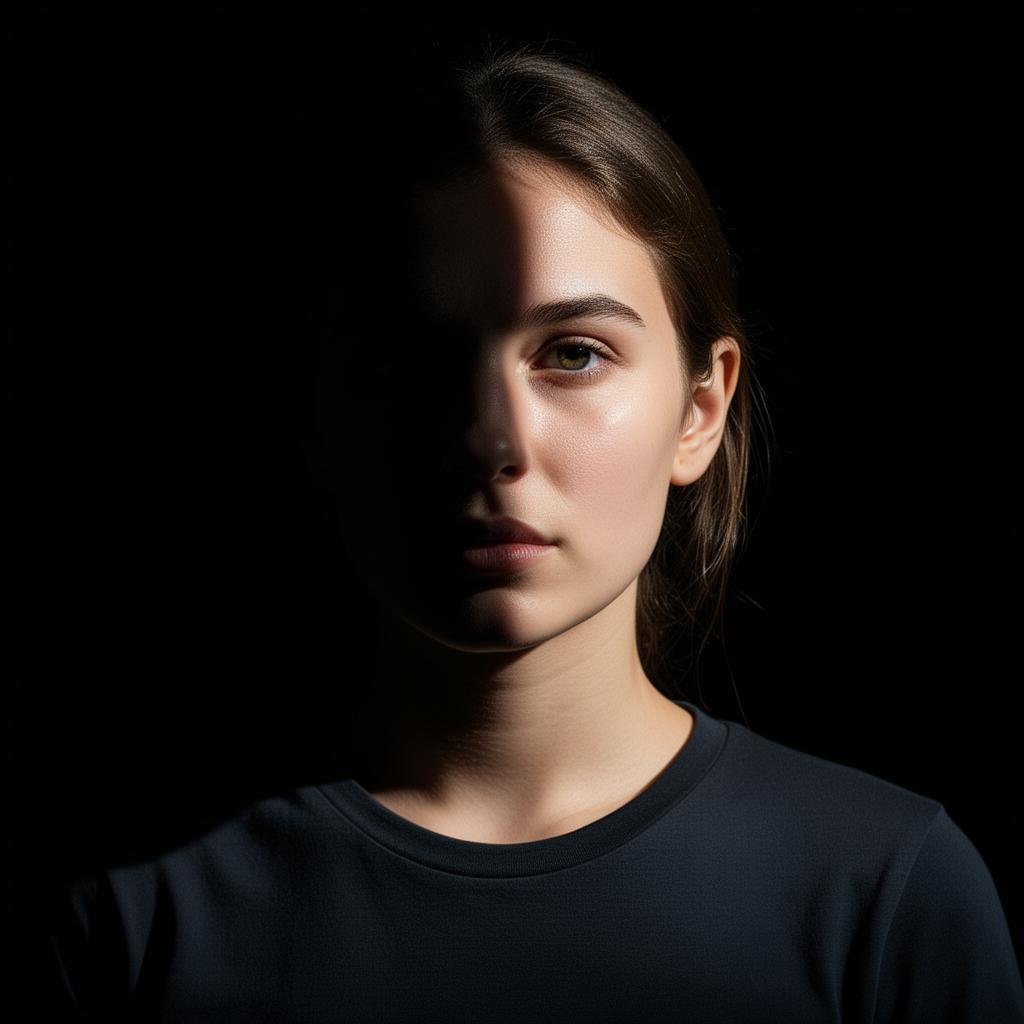
LensOpeningFormat
From fashion catalogs to casual photos. Adjust the visual style to emulate the sharpness of high-end lenses or the intimacy of an amateur camera.
Lighting
Module 10
10

Lighting

The engine of photorealism.

LightShadowsStudy
Design complex lighting setups: from soft studio portraits to dramatic, high-impact lighting, controlling every light source.
Color Processing
Module 11
11

Color Processing

Configure the image's color palette.

ColorGradingExcitement
Adjust the color atmosphere to create portraits with vibrant colors, a cinematic look, or soft, elegant tones.
Final image rendering
Module 12
12

Final image rendering

The ultimate in quality control.

SharpnessGrainTexture
Add sharpness and hyper-realistic textures to give your photos that unique film grain that makes them indistinguishable from a real photo shoot.
Aspect ratio
Module 13
13

Aspect ratio

Sets the native dimensions of the image.

VerticalHorizontalCinematographic
Vertical, horizontal, or cinematic. Tailor your content to the exact format and make it stand out on any screen.

Enjoy all the advanced features it offers and speed up your workflow

Complete Blocking of Sections

Protect your key selections and maintain creative control at all times.

Magic Prompt

Instantly generate smart combinations and effortlessly discover new variations.

Module Reset

Adjust a specific part of your configuration without losing the progress you've made in the other modules.

Complete removal of selections

Start from scratch and rebuild your ultimate prompt.

Summary

Preview your final configuration and quickly access the prompts generator.

Library

Save your best prompts and restore your favorite settings whenever you need them.

Discover
how it works

Explore all the possibilities Renderface has to offer in less than 30 seconds.
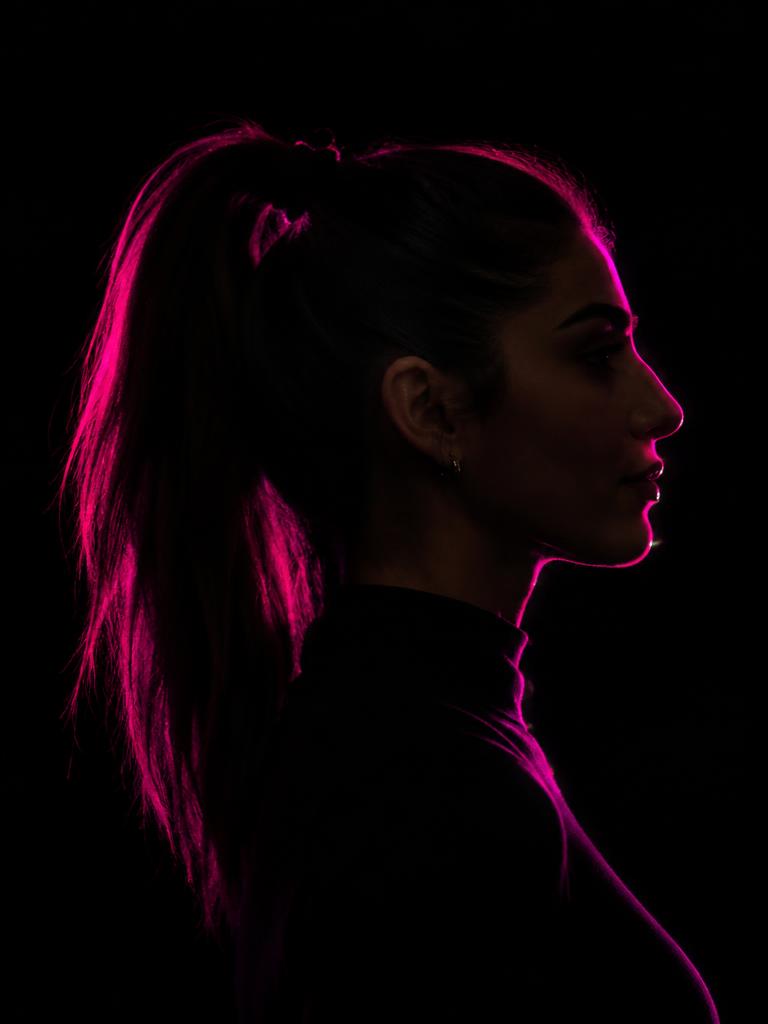
Renderface — How It Works
0:10 / 0:30HD

Be part of the true revolution in prompt engineering